Installation
1 . Create an installation directory on the server
Create a directory with any name for installation, then move into it.
1 2 | |
2 . Download the Installer Shell Script
1 | |
3 . Grant Execution Permission to the Downloaded Shell Script
1 | |
4 . Execute the Installer
1 | |
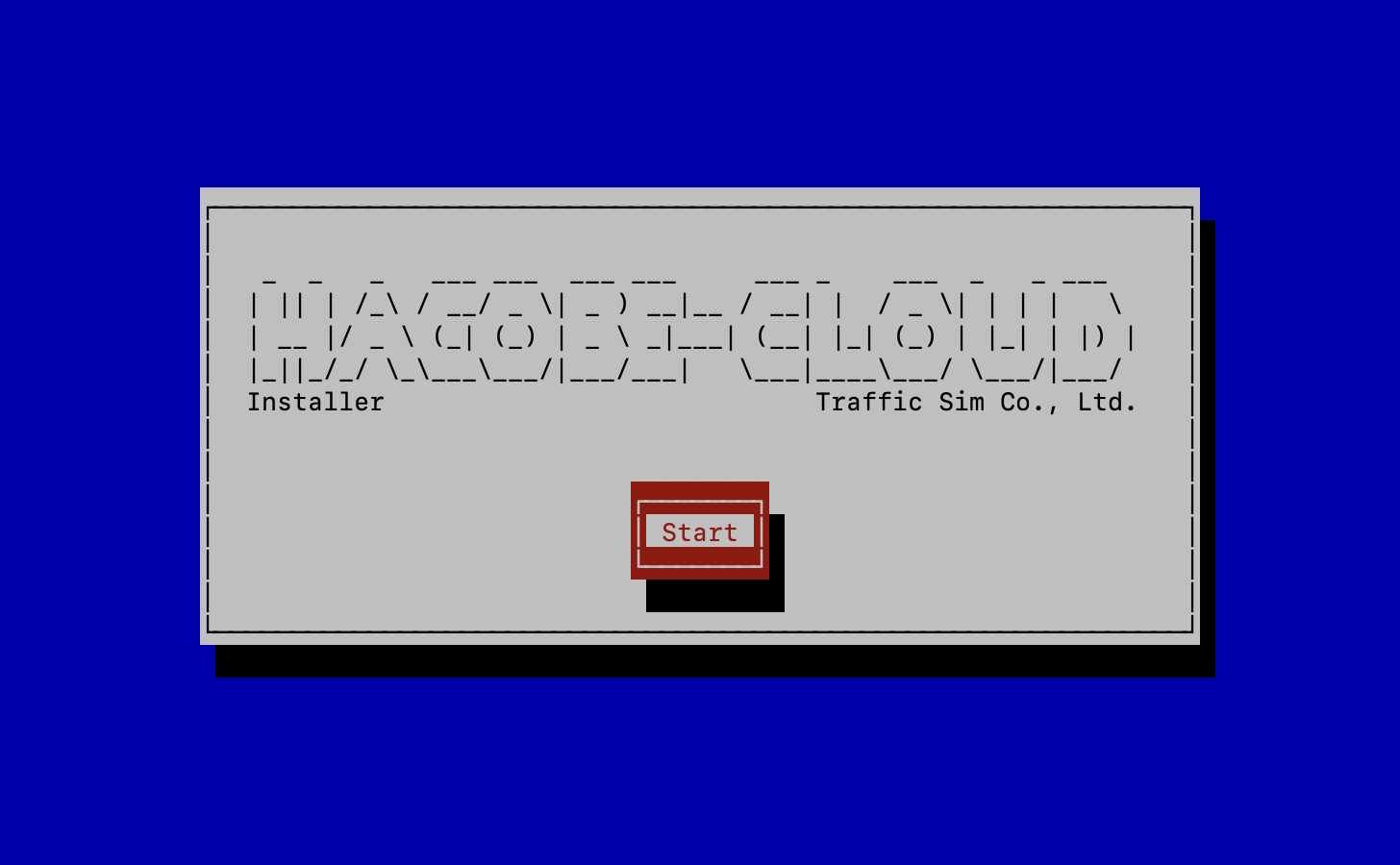
During the installation wizard, an API key input screen will appear.
Enter the API key you obtained in the previous steps.
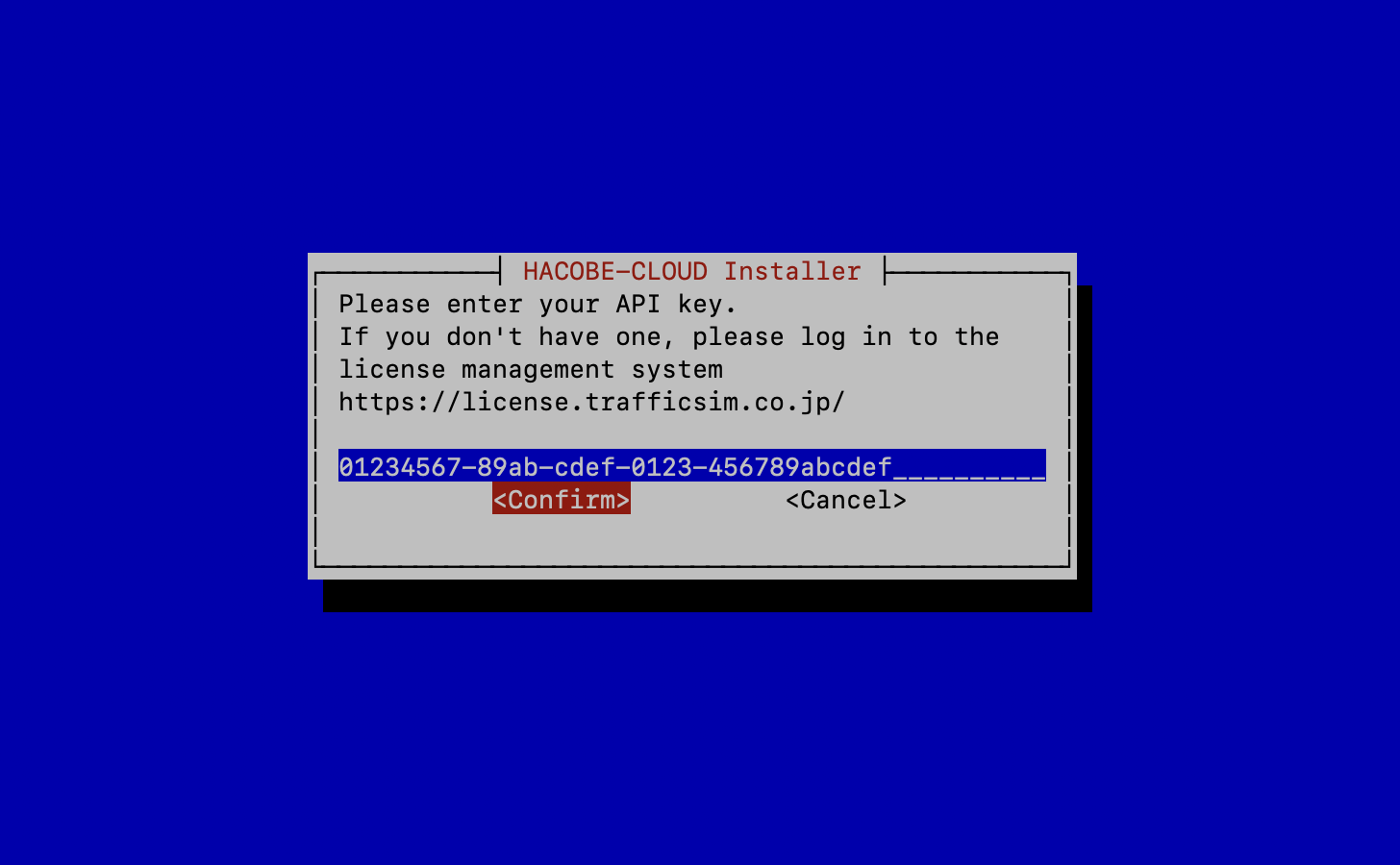
Continue with the wizard to complete the installation.
After installation, the following files will be created in the installation directory:
1 2 | |
5 . Launch the application
Move to the installation directory and execute the following command:
1 | |
Access the following address in your web browser.
http://<server address>
6 . Terminate the application
Move to the installation directory and execute the following command:
1 | |