Obtaining an API Key
1 . Log in to the License Management System
https://license.trafficsim.co.jp/
A CastHive account is required to login to the license management system.
If you do not have an account, please register at CastHive Organization Registration.
If you already have a CastHive account and would like to add LicenseManager, please let us know through the inquiry form or by email.
Our reception is open during business hours on weekdays (9:00 AM to 6:00 PM, Japan Time).
We will confirm your application and issue an account and add the application.
Please note that it may take some time for issuance and addition.
2 . Open the HACOBE-CLOUD Management Page
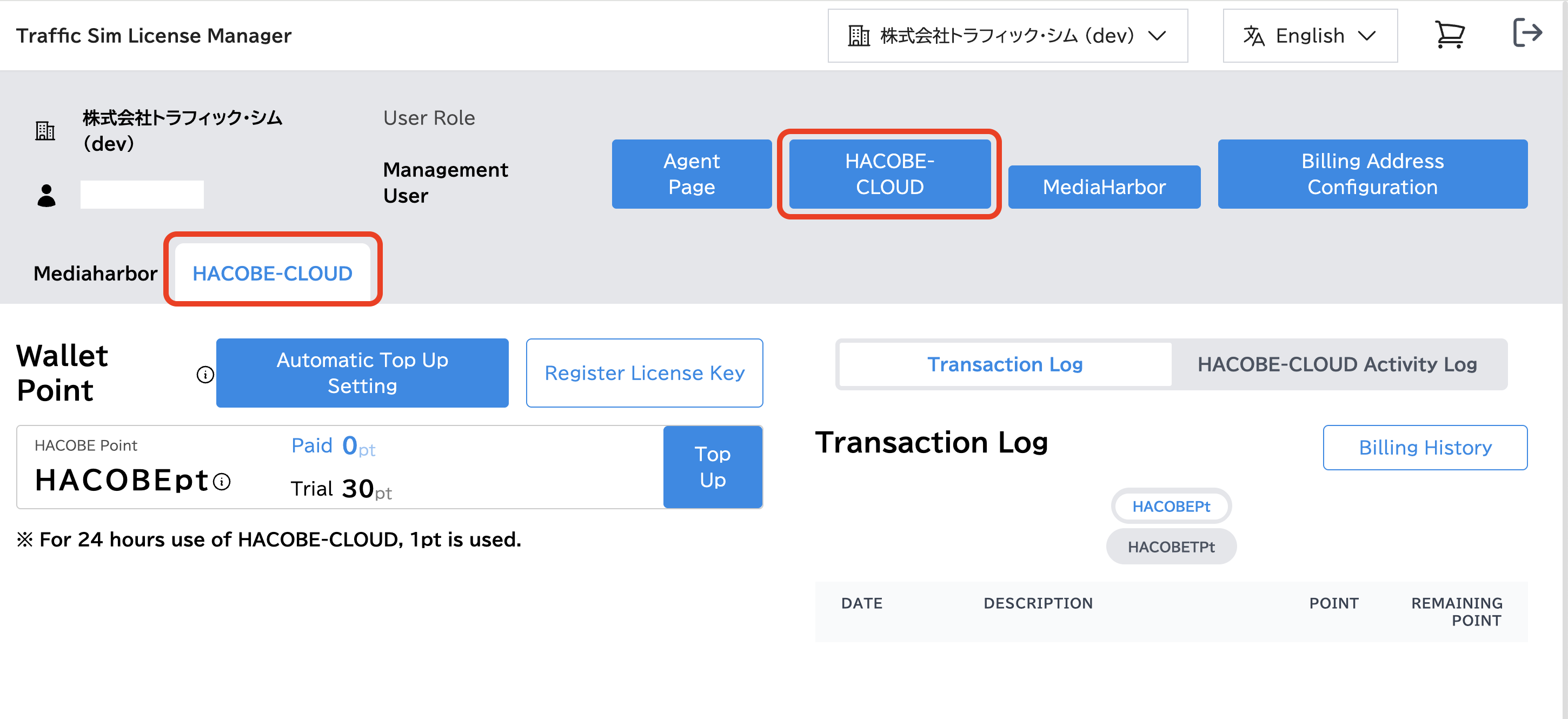
3 . Create a New HACOBE-CLOUD API Key
This action can only be performed by an administrator user.
Click the "Create new API Key" button.

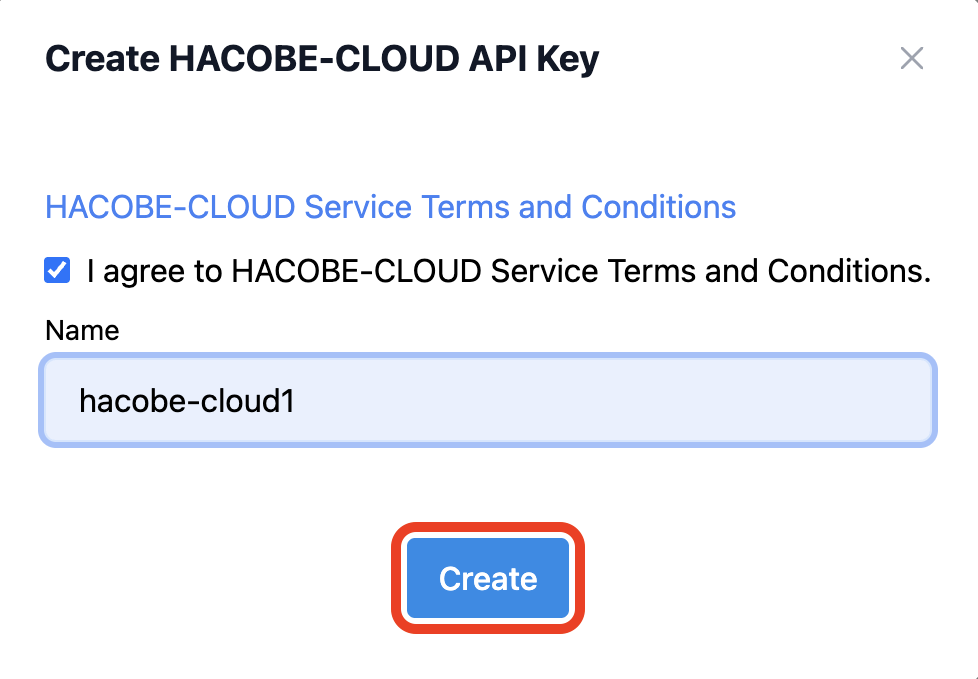
Review the terms and conditions. If you agree, check the "I Agree" box, enter New HACOBE-CLOUD Instance Name, and then click the "Create" button.
A new HACOBE-CLOUD API key will be generated. Please make sure to copy it.
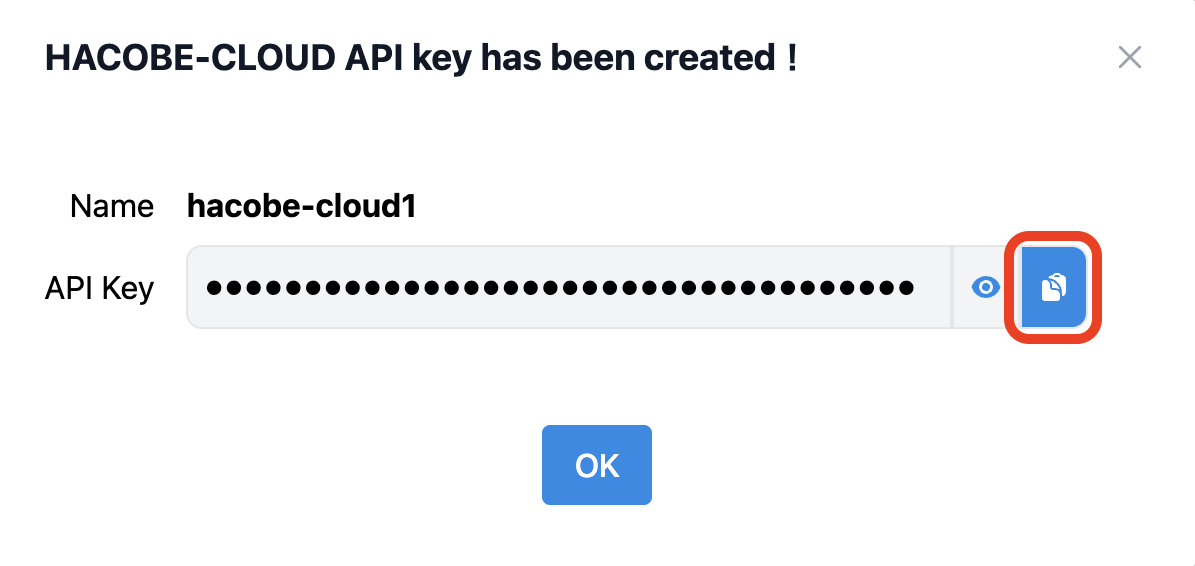
You can check the API key later as well. It will be needed when you run the installer.